How to Declare for a Swim Meet
To declare your swimmers, you should:
- Login to our SwimTopia Site.
- Click Meets & Events, Sign Up Calendar.
- Click the green "Meet Entry" button.
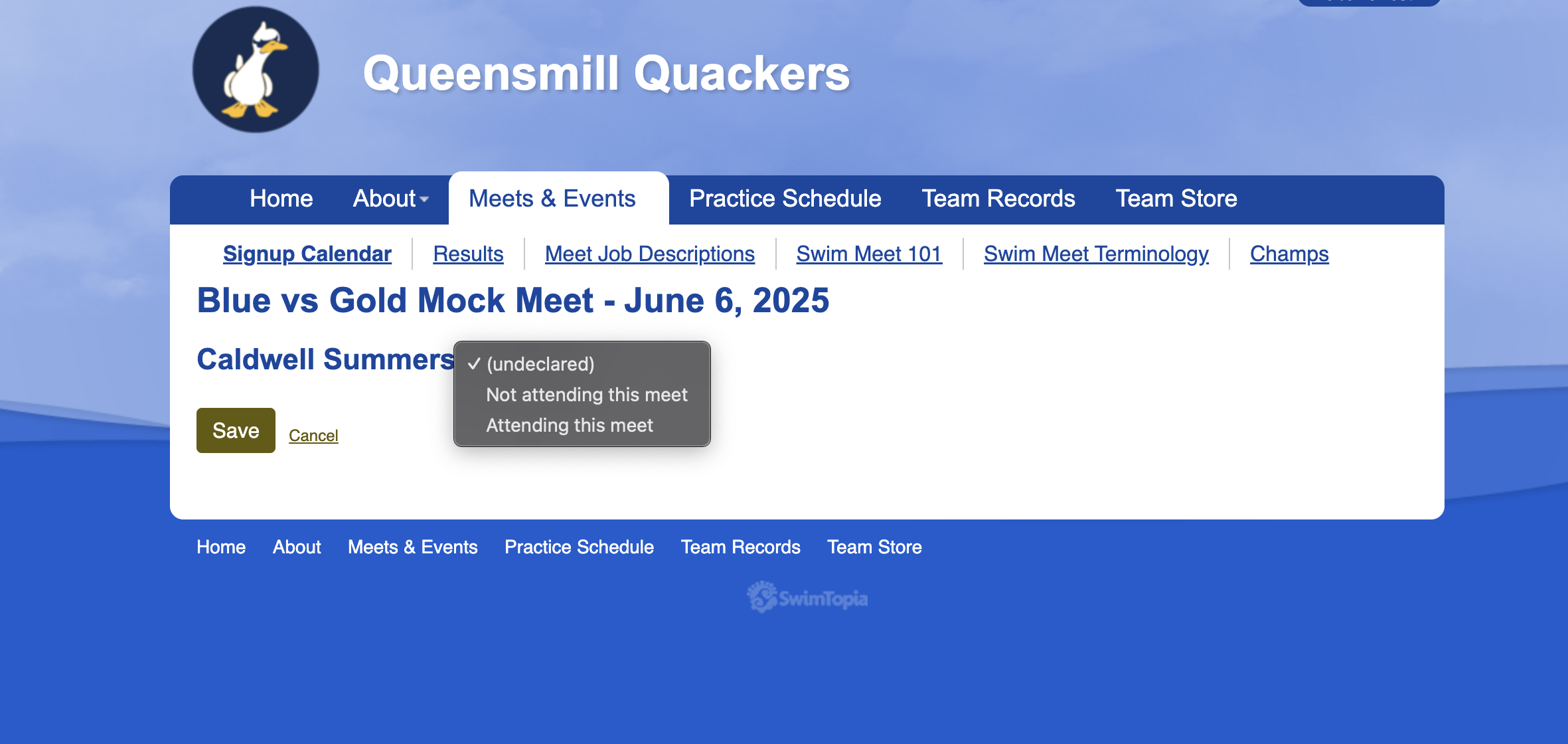
- Scroll down to your swimmers and click edit. Either click not attending this meet OR attending this meet. Lastly click save.
Text Area
Simple formatted text

